
KYOCERA CLOUD CAPTURE
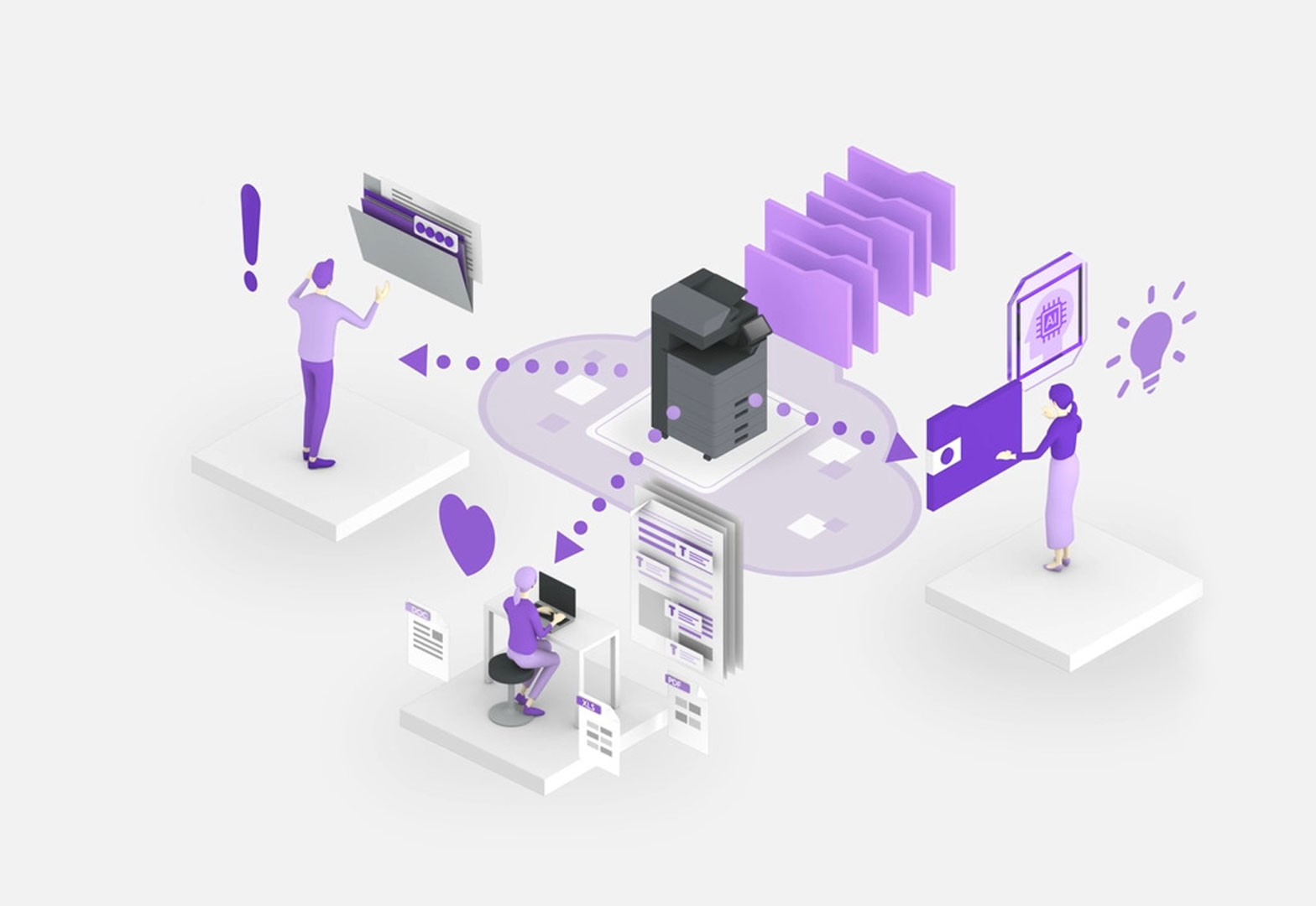
Kyocera Cloud Capture (KCC) is a cloud-based software application that enables users to scan, digitize, and route paper documents directly from a Kyocera Multifunction Printer (MFP) to cloud storage, bypassing the need for a computer. It streamlines workflows, boosts productivity, and enhances security through features like OCR (Optical Character Recognition) and direct, secure integration with cloud platforms like OneDrive and SharePoint.
Key Features and Benefits
- Direct Cloud Integration: Scans can be sent directly to services including SharePoint Online, OneDrive/OneDrive for Business, Google Drive, and Dropbox.
- OCR & File Conversion: Converts documents into searchable formats (e.g., Searchable PDF) for improved document management.
- Indexing & Metadata: Allows users to add metadata (such as company names or dates) directly at the MFP panel to facilitate easier searching and retrieval of archived documents.
- Enhanced Security: Features secure login methods (ID cards, PINs, or credentials) to ensure data is safe, addressing hybrid work challenges.
- Boosts Efficiency: Reduces time-consuming manual processes of scanning-to-email and then uploading files to the cloud.
Use Cases
- Accounts Payable: Automating invoice scanning.
- Remote/Hybrid Work: Providing remote access to physical documents.
- Logistics/Legal: Quick archiving of documents.
It is designed for businesses looking to accelerate their digital transformation (DX) by transitioning from paper-based workflows to cloud-centric processes.
Request a Quote
Contact Office-Cor for a customized Quote